Your website often makes the first impression for your business. Before a customer calls, books, or buys, they usually check you out online. If your site looks outdated, loads slowly, or leaves them confused, many will leave and choose a competitor.
That’s why the choice between custom website design and website templates matters. Both can work, and both have tradeoffs. The right option depends on your budget, timeline, brand, and growth plans.
At WP Wizards, we’re a Marine Veteran owned web development and digital marketing agency. We help small businesses build websites that fit their real needs. Sometimes that means a fully custom build. Sometimes a well-chosen template is the smarter move. In this guide, we’ll walk you through both options so you can decide with confidence.
Key takeaways:
- Custom website design gives you more creative control, flexibility, and room to grow.
- Website templates and website builders are faster and cheaper to launch, but they have limits.
- Performance, security, and SEO depend on how a site is built, not just whether it uses a template.
- Your website should support your brand and your long-term business goals.
What Is Custom Website Design?
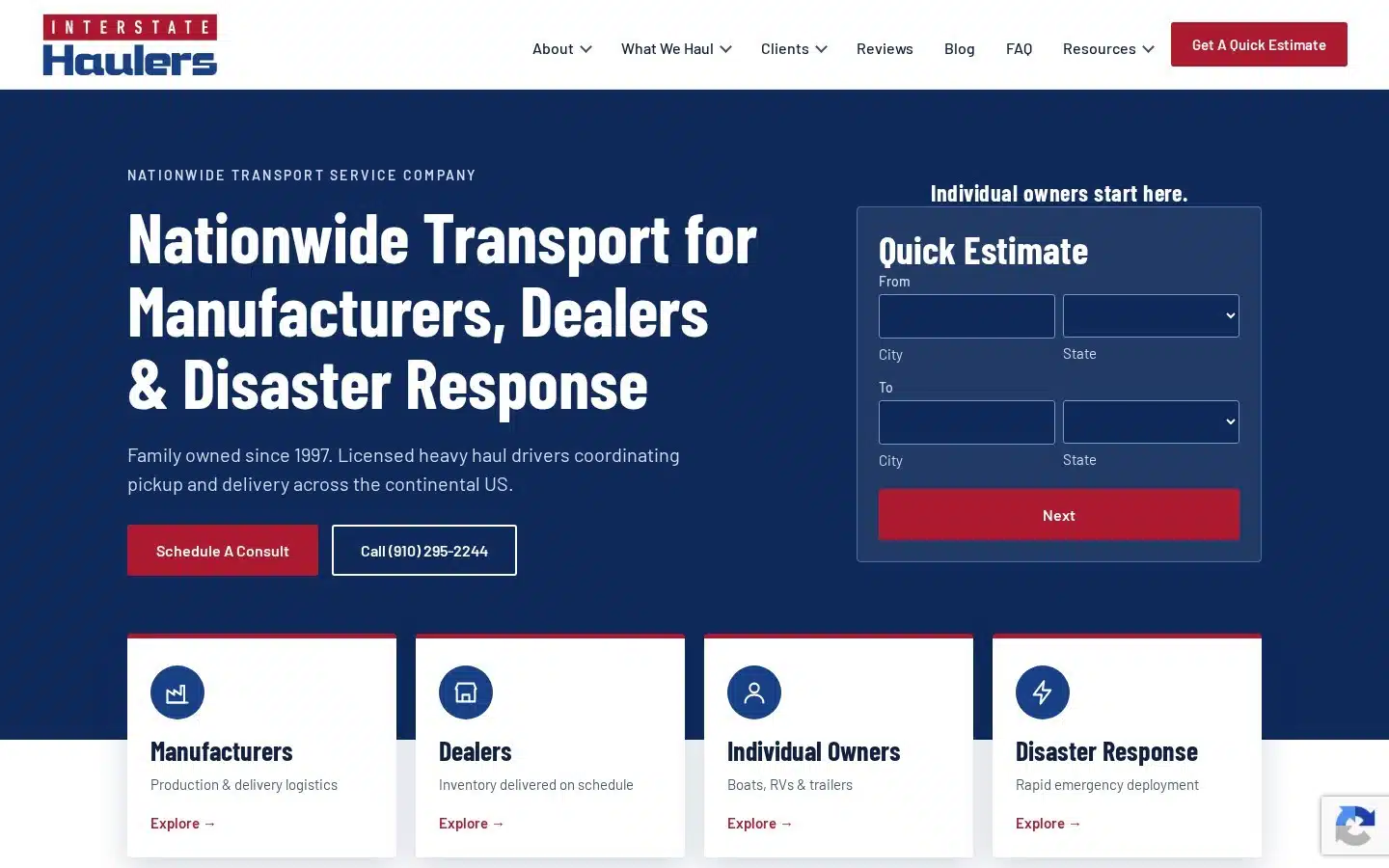
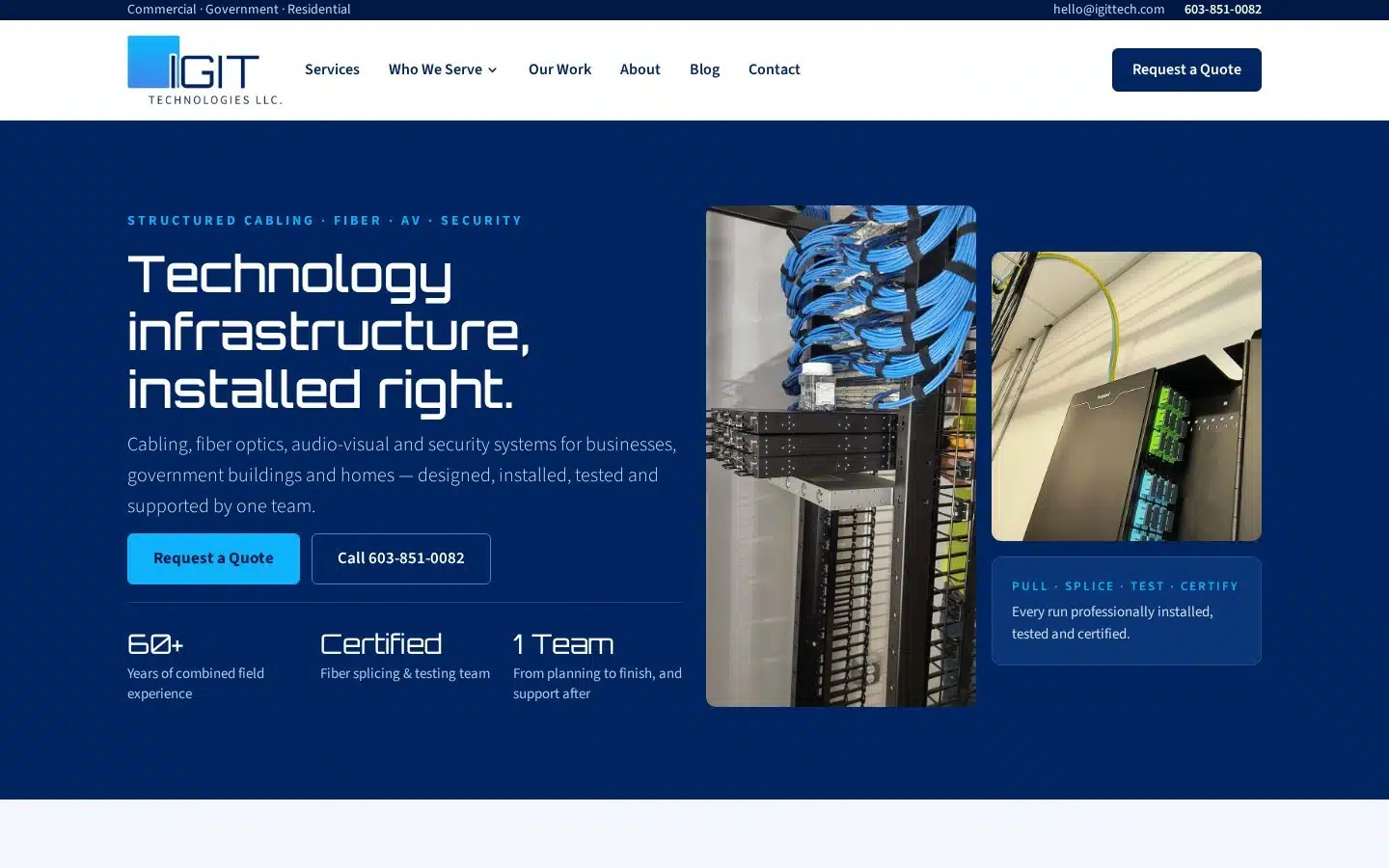
Custom website design means designing and developing a website from the ground up built around your business instead of fitting your business into a prebuilt layout. A web designer plans the layouts, design elements, navigation, and features based on your goals, your customers, and your industry.
A template gives you a starting structure that thousands of other businesses may also use. A custom site starts with a blank page and a plan.
Good web design agencies start with a thorough discovery process. That means understanding your brand identity, your goals, your audience, and what makes your business different before a single pixel gets placed. Selecting the right web design partner is one of the most important decisions you’ll make for your brand’s digital presence, so ask the right questions upfront. You should also clarify ownership and access rights to all website assets before any work begins your domain, hosting account, codebase, and content should belong to you.
Our Custom Design Process

Photo by Christina @ wocintechchat.com M on Unsplash
When we build a personalized website, we follow a clear process:
- Discovery and planning: We learn your business goals, audience, competitors, and must-have features.
- Branding and wireframes: We map out page structure and user flow, then apply your brand assets to the design.
- WordPress development: We build the site, connect integrations, and support content creation.
- Testing and launch: We check speed, mobile layouts, forms, and SEO settings before we publish.
- Ongoing support: We keep your site updated, secure, and running smoothly after launch.
Benefits of Custom Website Design
- Creative control and brand differentiation: Every page reflects your brand, not a generic theme. A custom site gives you a unique digital footprint that sets you apart from competitors using the same templates.
- Flexibility for complex functionality: Custom builds handle complex websites, booking systems, memberships, ecommerce websites, and even direct connections to proprietary software or CRMs without relying on generic plug-ins.
- Tailored business logic: Your site can be built to mirror how your business actually operates, not shaped around what a platform happens to support.
- Better user experience: We design conversion paths and tailor navigation specifically to your audience’s needs, guiding visitors toward calling, booking, or buying.
- Enhanced security: Custom-built sites can offer stronger security compared to shared template platforms, since they don’t carry the vulnerabilities common to widely used themes and plug-ins.
- Scalability: Your site can grow as you add services, products, or marketing campaigns. Custom websites are built to scale and flex as your business evolves.
- SEO and long-term success: Investing in custom design can improve search engine visibility through SEO-friendly architecture, cleaner code, and optimized site structure. A well-designed custom website contributes directly to long-term business success.
Potential Drawbacks
Custom design costs more upfront and takes longer to launch. It also requires more planning and communication. For a business with simple needs, that investment may not make sense yet.
What Are Website Templates and Website Builders?
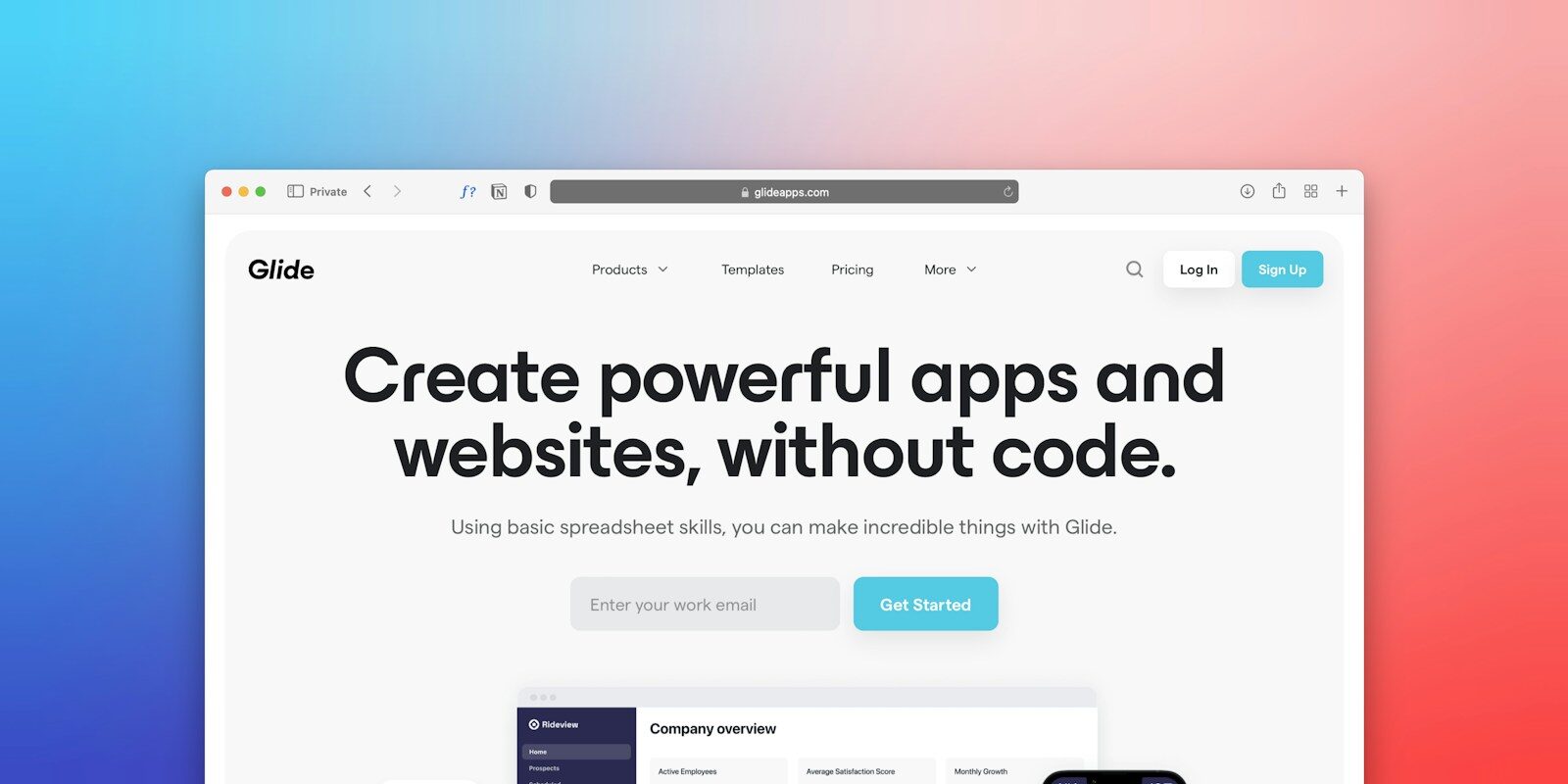
Photo by Team Nocoloco on Unsplash
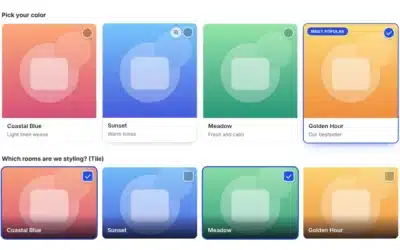
Website templates are professionally designed, prebuilt layouts. You swap in your logo, text, and photos, then customize colors and sections. Website builders are the platforms that let you create a website using those templates often without any coding knowledge.
Most builders use a drag and drop editor. You can add text blocks, galleries, embedded videos, and contact forms in a few clicks. These no-code tools make it possible for someone who isn’t tech savvy to launch a site in a weekend. Platforms like Wix have grown to over 300 million sites built on their platform, which tells you just how accessible this approach has become.
When it comes to template variety, you have plenty to choose from. Wix offers over 2,000 customizable website templates. Design.com provides over 3,000 templates. Canva features thousands of free website templates and lets users build with drag-and-drop tools. Squarespace offers a curated library of modern templates for various industries, while Showit has a marketplace with beautiful templates geared toward creative businesses.
AI Powered Tools and AI Builder Features
Many platforms now include AI powered tools that significantly speed up the build process. An AI builder can generate a complete website from just your business name, draft page copy, create visuals, and add interactive widgets all in seconds. Squarespace’s Blueprint AI walks you through a few questions and builds a starting site from your answers. AI features are now integrated into many website builders, making the process even more beginner friendly.
These AI tools can speed up the first draft. However, the output still needs human review for brand accuracy, clear messaging, and SEO. AI-powered tools can also help maintain consistent branding across your site, but a human eye is still essential to catch what the algorithm misses.
Common Built-In Features
Depending on the platform and plan, a website creator may include:
- Design templates for different industries
- Built-in contact forms and blogging tools
- Integrated tools for email marketing, analytics, and social media platforms
- Built-in marketing tools for promotions and newsletters
- Custom domain connections, hosting, and SSL security
- Basic SEO settings and, on some plans, DDoS protection
Free Website Builder vs. Paid Plans
A free website builder can help you test an idea. Most free plans, though, add platform branding, use a subdomain instead of your own domain name, and limit features. When you’re ready to go professional, here’s a general look at what paid plans cost across popular platforms:
- Canva domains cost between $10 and $20 per year
- WordPress.com plans start at about $4 per month, billed annually
- Wix paid plans start around $17 per month
- Squarespace plans start at approximately $19 per month
- Showit plans start around $22 per month, billed annually
- Shopify plans begin at $29 per month, billed annually
Watch for trials with a “no credit card required” label, since prices often change once the trial ends. Factor in the cost of add-ons, premium templates, and transaction fees when comparing platforms.
Responsive Design and Mobile Performance
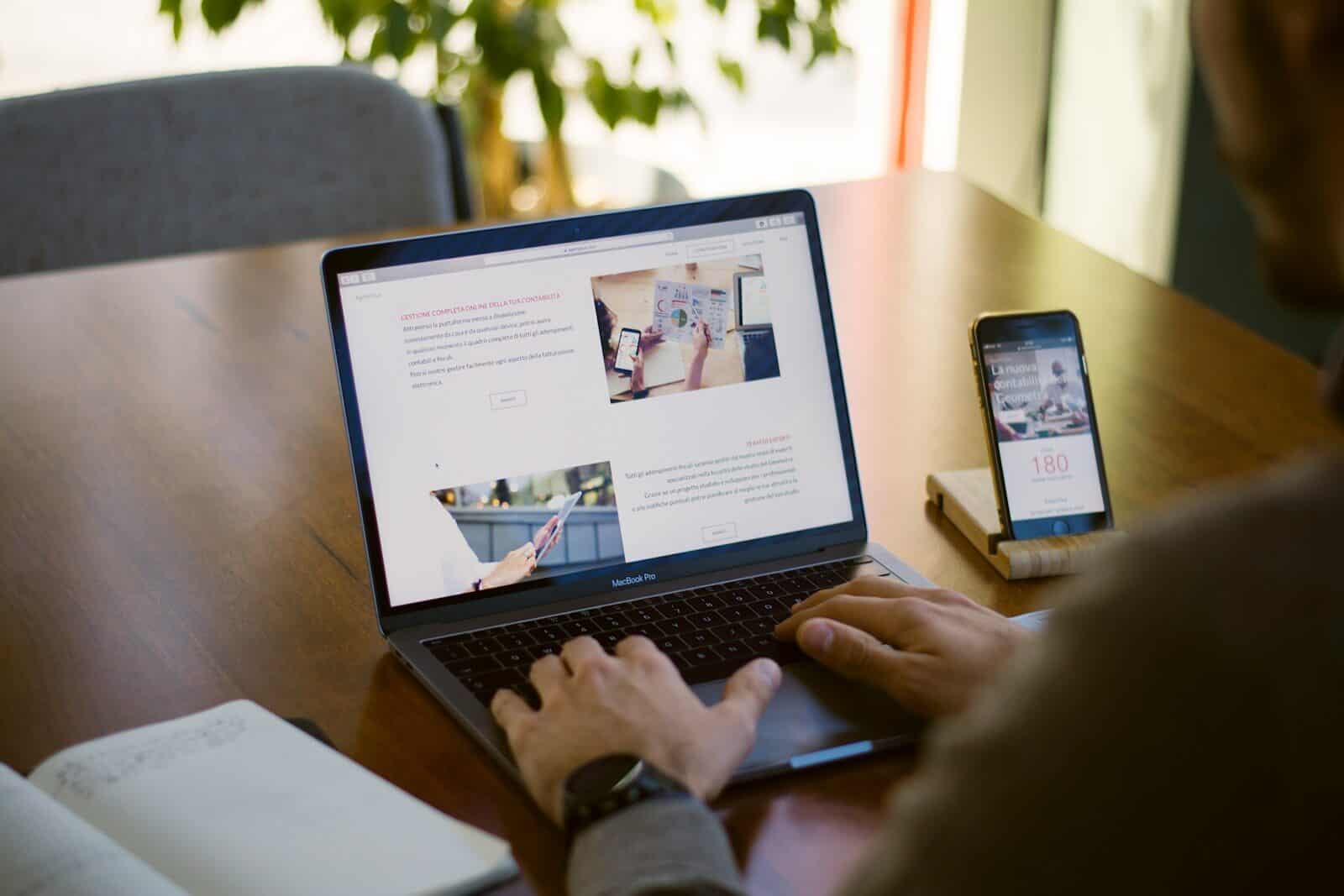
Whatever platform or approach you choose, responsive design is non-negotiable. Over 50% of global web traffic now comes from mobile devices. A responsive website adapts to any screen size — desktop, tablet, or smartphone — so every visitor gets a smooth experience. Mobile responsiveness also improves user engagement and reduces bounce rates, both of which matter for conversions.
Google prioritizes mobile-friendly websites in search rankings, making responsive design essential for effective SEO. Before you launch any site, preview every page on a phone. If it looks broken or cluttered on a small screen, fix it before it costs you customers.
Advantages of Templates
- Beginner friendly and user friendly
- Faster launch with fewer technical steps
- Lower initial costs
- Easy content updates
- A good fit for simple business websites, portfolios, and early-stage ventures
Limitations of Templates
- Less flexibility for unique features and more complex websites
- Your design may look similar to competitors using the same theme
- Platform restrictions and ongoing subscription costs
- Migrating your entire website later can be difficult
- Customization gets harder as your business grows
Custom Website Design vs. Templates: Side-by-Side Comparison
Here’s how the two options compare on the factors business owners care about most.
Custom websites are not automatically better for every business. A local consultant with five pages may do great with a template. An online store with custom shipping rules or CRM integrations likely needs more.
It’s also worth knowing that speed, security, accessibility, and search engine visibility depend on execution. A poorly built custom site can underperform a well-managed template. What matters is how the site is planned, built, and maintained.
Not sure which path fits your business? Schedule your free consultation today, and we’ll give you an honest recommendation.
How to Choose the Best Website Builder for Your Business
If a template-based site makes sense for now, choose your platform carefully. The best website builder for one business may frustrate another. Start by listing the features you truly need, then compare platforms against that list.
Evaluate these key areas:
- Hosting and pricing: Check monthly costs, renewal rates, and fees for add-ons.
- Custom domain: Make sure you can connect your perfect domain and use branded email.
- Drag and drop editor: Test how easy it is to edit pages without breaking the layout.
- Built-in marketing tools: Look for email marketing, social sharing, and analytics.
- Ecommerce features: If you plan to sell products, review payment options, inventory, and shipping tools.
- SEO settings: Confirm you can edit page titles, meta descriptions, URLs, and redirects.
- Security: Look for SSL, backups, and DDoS protection.
- Mobile responsiveness: Preview every page on a phone before you launch. With more than half of web traffic coming from mobile, this isn’t optional.
- Support: Find out whether help is available by chat, phone, or email.
- Migration options: Ask whether you can export your content if you move later.
A free website can be a smart way to test an idea. For a professional website that attracts new customers, you’ll usually need a paid plan or a platform like WordPress that gives you full ownership and flexibility.
How Website Design Impacts Branding and Customer Trust
Visitors judge your business quickly. Clean design, easy navigation, and readable text tell them you’re credible. Broken links, cluttered pages, and mismatched colors send the opposite message.
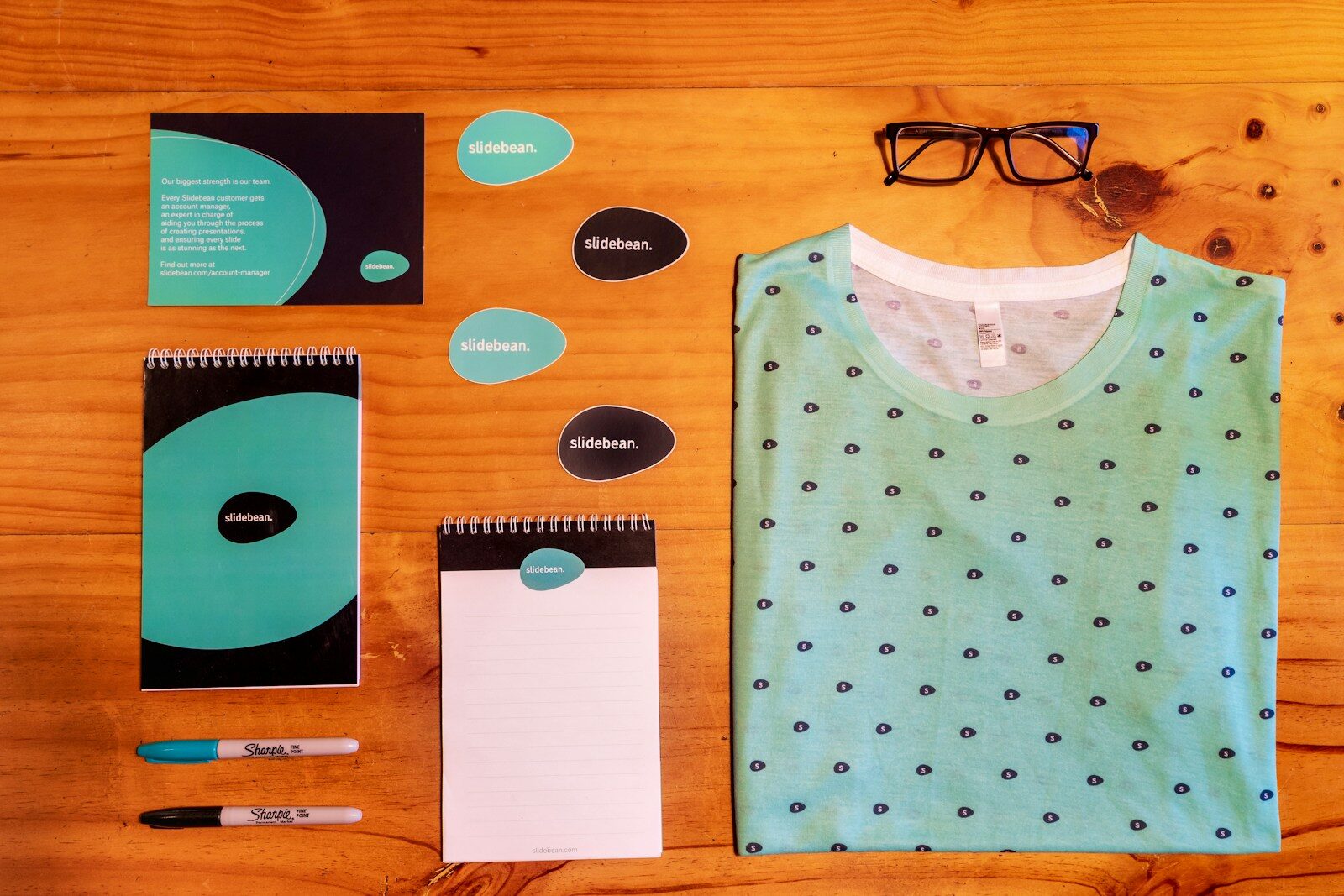
Consistency builds recognition. Your logo, colors, typography, and messaging should match across your website, social media platforms, email marketing, and printed materials. When every touchpoint feels familiar, customers start to trust you faster.
What Is the 3-7-27 Rule of Branding?
The 3-7-27 rule is a branding idea that’s often shared in marketing circles. A common version says you have about 3 seconds to make a first impression, it takes around 7 interactions for someone to remember your brand, and roughly 27 exposures before they recognize it easily.
This is not a scientific formula or a guaranteed benchmark. The practical takeaway still holds: people need repeated, consistent exposure to your brand before they act. Your website plays a big role here because it ties your social posts, ads, and emails together in one place. AI-powered tools built into many platforms can help maintain that consistent branding automatically, but a clear brand strategy still needs to come from you.
What Are the 5 C’s of Branding?
The 5 C’s offer a simple framework for building a strong brand. Different marketers use slightly different versions, but here’s the one we find most useful:
- Clarity: Tell people who you serve and what you offer right away.
- Consistency: Keep a recognizable identity across every channel.
- Credibility: Build trust with professional design, transparency, and proof like reviews.
- Connection: Show you understand your audience’s problems and goals.
- Competition: Make it clear why you’re different from others in your industry.
A well-designed business website supports all five. It states your offer clearly, matches your brand, shows testimonials, speaks to your customers, and highlights what sets you apart.
How to Legally Create a Brand for Your Business
Building a brand takes more than picking a name and a logo. You also want to protect it. Here are the steps we recommend:
- Research your industry and competitors. Understand who else serves your market and how they present themselves.
- Choose a distinctive business name. Unique names are easier to protect than generic, descriptive ones.
- Search for conflicts. Check the USPTO trademark database, state business registries, and domain availability.
- Secure your custom domain name. Grab matching social media usernames where you can.
- Create original brand assets. Use logos, images, and fonts you own or have proper licenses for. If you use third-party materials, make sure you have the appropriate rights and licenses.
- Consider trademark registration. Registration can give you stronger legal protection for your name and logo.
One important point: registering a business name, buying a domain, or forming an LLC does not automatically give you trademark rights. For clearance searches and registration, we recommend speaking with a qualified trademark attorney.
How Do I Create a Brand for Myself or My Small Business?
Whether you’re building a personal brand or a company brand, these seven steps will keep you on track.
Step 2: Understand your audience. Identify your ideal customers, their needs, and what drives their decisions.
Step 3: Develop your visual identity. Choose your logo, color palette, typography, and other design elements.
Step 4: Create your brand messaging. Shape your brand voice, value proposition, tagline, and core messages.
Step 5: Create a website. Decide between custom website design, templates, or a website builder. Secure a custom domain and build essential pages: Home, About, Services, Contact, and key landing pages. Make sure every page is mobile responsive — more than half of your visitors will likely be on a phone.
Step 6: Build your online presence. Connect your social media platforms, set up email marketing, and invest in local SEO so nearby customers can find you.
Step 7: Maintain brand consistency. Review your content, design, customer feedback, and performance data regularly.
When Should You Invest in Custom Website Design?

Photo by Mohammad Rahmani on Unsplash
A custom build usually makes sense when:
- Your current website no longer reflects your brand or goals.
- You need custom integrations, booking systems, membership areas, or advanced ecommerce functionality.
- Your business needs to connect directly to proprietary software, internal systems, or a CRM without relying on generic plug-ins.
- Your template limits your user experience or conversion opportunities.
- You need a scalable, flexible site that supports SEO, paid ads, and growing marketing efforts.
- You compete in a crowded industry and need a distinctive online experience to stand out.
When Are Website Templates the Better Choice?
Templates are often the smarter pick when:
- You’re launching a startup or testing a business idea.
- You need a simple site with only a few pages.
- Your budget is tight and you have time to manage the site yourself.
- Your chosen platform already includes every feature your business requires.
How WP Wizards Helps Small Businesses Build Better Websites
As a Marine veteran-owned agency, we bring precision, discipline, and accountability to every project. Our goal is simple: help you get a website that works for your business, without big-agency pricing or red tape.
Here’s how we help:
- Custom WordPress website design and development tailored to your brand and goals
- WooCommerce development for online stores that need to sell products smoothly
- Responsive, conversion-focused layouts that look great on every device — desktop, tablet, and smartphone
- SEO-conscious development and digital marketing integration, including PPC and email marketing
- Ongoing maintenance and support, from quick fixes to monthly retainers
We also believe in doing business the right way. That means transparent pricing, clear communication, and honest recommendations. If a template will serve you well, we’ll tell you. We’d rather earn a long-term partnership than sell you something you don’t need.

Photo by Annie Spratt on Unsplash
Frequently Asked Questions
Is custom website design worth it for a small business?
It depends on your needs. Custom design is worth the investment when you need unique features, a distinctive brand, direct integrations with your internal systems, or a site that can scale with your growth. The return depends on strategy, quality of execution, and ongoing optimization — not just the design itself. A well-designed custom website also contributes to long-term business success by supporting stronger SEO, better user experience, and higher conversion rates.
What is the best website builder for small businesses?
The best website builder depends on your budget, technical comfort, required features, ownership preferences, and scalability. Wix, Squarespace, Showit, Shopify, Canva, and WordPress.com all offer distinct strengths. DIY builders are easy to start with. WordPress offers more flexibility and full ownership, and a professionally developed WordPress site adds custom functionality and expert support that no drag-and-drop tool can fully replicate.
Can I create a professional website for free?
Some platforms offer free plans, but they usually add platform branding, restrict you to a subdomain, and limit features. A custom domain, ecommerce tools, and advanced capabilities almost always require a paid upgrade. For a truly professional website, budget for at minimum a paid plan and your own domain.
Do I need coding knowledge to build a website?
No. No-code tools and drag and drop editors let almost anyone build a website without coding knowledge. Custom features, integrations, advanced performance work, and proprietary system connections usually require a developer.
Can I use website templates for my online store?
Yes. Many platforms support online stores through templates. Shopify, Wix, Squarespace, and others offer ecommerce-ready templates. Before you commit, review payment processing, inventory management, shipping, security, and how well the platform scales as your order volume grows.
Does custom website design improve SEO?
Investing in custom design can improve search engine visibility through SEO-friendly architecture, cleaner code, and better site structure. Custom development also supports faster load times and improved user experience, both of which Google rewards. That said, design alone won’t guarantee rankings — quality content and ongoing SEO work matter just as much.
Can I switch from a website builder to a custom WordPress website later?
Yes, migration is possible. It takes careful planning for content, integrations, URLs, redirects, and design so you protect the search rankings you’ve already earned. We handle migrations regularly and can make the transition as smooth as possible.
Invest in a Website That Grows With Your Business
Your website should support your goals, strengthen your brand, and give customers a smooth experience on every device, at every stage of their journey. Templates can work well for simple, budget-conscious projects. Custom website design offers greater flexibility, stronger branding, enhanced security, and room for the complex functionality that growing businesses need.
Take a close look at where your business is today and where you want it to be in a few years. Think about the features you need now, the integrations you might need later, and the brand experience you want to deliver. Then choose the option that supports all of it.
At WP Wizards, we offer web design, SEO, and digital marketing under one roof, with transparent guidance and small-business-friendly solutions.