Why WordPress Website Maintenance Matters More Than You Think
As a Marine veteran and the founder of WP Wizards, I approach web development with precision and discipline. I often see small business owners invest heavily in a beautiful website, only to let it sit untouched for months. I need to be upfront with you: WordPress website maintenance is not optional if you want long-term success.
Ignoring website maintenance exposes your business to serious risks. Without regular updates, you invite security vulnerabilities, slow down your site performance, and risk losing your hard-earned search rankings. A neglected website eventually breaks, costing you time, money, and customer trust.
On the flip side, ongoing maintenance supports business growth, boosts search engine rankings, and guarantees a positive user experience. When you keep your digital storefront in top shape, your business thrives. Let’s dive into the most common FAQs every website owner should understand.

Photo by Le Buzz Studio on Unsplash
What Is WordPress Website Maintenance?
WordPress website maintenance is the ongoing process I use to keep a website secure, up to date, and performing at its highest level at all times. It is not a one-time task. It is a continuous cycle of updates, monitoring, testing, and optimization that ensures everything works exactly the way it should behind the scenes. I like to compare it to maintaining a vehicle. You do not just change the oil once and forget about it. You stay on top of it consistently to avoid costly breakdowns later.
At a basic level, some people think maintenance is just logging into the WordPress dashboard and clicking “update” on plugins every now and then. The reality is that true WordPress website maintenance goes far beyond that. A comprehensive approach includes identifying and resolving technical issues, monitoring site performance, improving load speeds, and making sure critical features like contact forms are always functioning properly so you never miss a lead.
Ready to Transform Your Website?
Let our team at WP Wizards bring your vision to life — from design and development to SEO and automation. Tell us about your project below!
Request a Quote
"*" indicates required fields
I also focus heavily on proactive tasks like fixing broken links, which can hurt both user experience and search engine rankings if left unchecked. Even small issues like outdated links or minor errors can create friction for visitors and signal poor site quality to search engines. That is why ongoing attention to detail matters.
A professional WordPress maintenance plan also includes structured workflows such as testing updates on a staging site before applying them to your live website. This prevents unexpected conflicts or downtime that could impact your business operations. Instead of guessing, I make controlled updates in a safe environment, ensuring everything runs smoothly before anything goes live.
Beyond the technical side, maintenance also means having reliable support services in place. When something goes wrong—and eventually something always does—you need fast, knowledgeable help to resolve issues quickly. Whether it is troubleshooting plugin conflicts, restoring backups, or addressing performance drops, having expert support ensures your website stays online and fully functional.
Every WordPress site requires consistent attention to stay secure and running smoothly. The digital landscape is constantly evolving. Browsers update, search engine algorithms change, and new security threats emerge every day. Without regular maintenance, your site becomes vulnerable to errors, slow performance, and potential breaches. With the right strategy in place, I turn your website into a stable, secure, and high-performing asset that supports your long-term business growth.
Why Is WordPress Maintenance So Important for My Website?
First and foremost, maintenance protects your live site from security breaches. Hackers actively look for outdated software. By staying on top of WordPress core updates, plugin updates, and security patches, you close those hidden backdoors.
Maintenance also directly impacts your site performance, core web vitals, and search engine rankings. Google rewards websites that load fast and function perfectly. If your site drags, visitors will bounce to your competitors.
Finally, neglect leads to technical issues, downtime, and lost revenue. If your checkout page breaks because of an outdated plugin, you lose money instantly. Routine maintenance prevents these catastrophic failures before they happen.
What Does a WordPress Maintenance Plan Include?
A typical WordPress website maintenance plan acts as an insurance policy for your online presence.It covers all the technical tasks required to keep your site humming.
Here are the key components of a solid plan:
- Regular backups: We ensure you have reliable backups stored safely off-site.
- Uptime monitoring: We watch your site 24/7 so we know immediately if it goes down.
- Database optimization: We perform WordPress database cleanup to keep your site’s database light and fast.
- Image optimization: We use image compression to reduce file sizes without losing quality.
- Performance optimization: We make continuous site speed improvements to keep load times low.
A structured maintenance plan is exactly how your site remains secure while you focus on running your business.
What Are the Most Important Maintenance Tasks?
If you want to protect your investment, there are core maintenance tasks every site needs. These go far beyond one-time fixes.
- WordPress core updates: Keeping the foundation of your site up to date.
- Plugin updates: Applying updates released by each plugin developer.
- Security monitoring: Actively scanning for security vulnerabilities and malware.
- Fixing broken links: Maintaining clean navigation so users and search engines don’t hit dead ends.
- Managing contact forms: Testing forms regularly to ensure leads actually reach your inbox.
These regular WordPress maintenance tasks ensure your website remains a reliable sales machine.
How Often Should I Perform WordPress Maintenance? (Monthly Tasks Explained)
Effective maintenance requires a mix of daily, weekly, and monthly tasks.You cannot just look at your site once a year and expect it to perform.
Here is how we break it down:
- Daily: We run daily backups and constant uptime checks. If something breaks, we know instantly.
- Weekly: We handle plugin updates and software updates to patch any newly discovered security vulnerabilities.
- Monthly tasks: We dive into database optimization, security audits, and performance reviews.
Sticking to this schedule prevents expensive problems later. Consistent, regular maintenance is always cheaper than a complete website rebuild.
Can I Handle WordPress Maintenance Myself (DIY vs Professional Services)?
Many website owners start with DIY maintenance to save money. This works fine when your site is small and simple. However, as your business grows, the technical expertise required becomes a serious barrier.
Managing your own hosting environment and WordPress dashboard without experience carries major risks.If an update conflicts with your theme, your site goes down. Do you know how to restore a database from a backup?
When the technical tasks start pulling you away from business operations, it is time to consider professional WordPress maintenance services.
What Are WordPress Maintenance Services and Are They Worth It?
WordPress maintenance services are outsourced technical solutions where experts handle your site’s health. A premium maintenance service should include updates, security measures, backups, and proactive monitoring.
Investing in a WordPress website maintenance service saves you time and drastically reduces your risk. You get the value of dedicated technical support and ongoing support services.
Agencies simply manage client websites more efficiently than DIY setups. We have the tools, systems, and experience to catch technical issues before they impact your customers.
How Do Maintenance Services Handle Complex Websites and Multiple Websites?
Managing complex websites and multiple websites requires strict discipline. If you run a WooCommerce store or a membership site, one bad update can ruin your sales data.
We prioritize consistent hosting accounts and avoid cramming too many heavy sites on the same server. A managed WordPress hosting service provides the necessary resources for heavy traffic.
Before we push updates to a live site, we use a staging site or test site. We apply the updates, test the functionality, and only push them live when we know everything is stable. These structured systems prevent technical issues across all our client sites.
What Happens If I Don’t Maintain My WordPress Website?
The real-world consequences of ignoring routine maintenance are severe. Over time, your site will inevitably degrade.
First, you face increased security vulnerabilities and a high likelihood of security breaches. Second, you will notice declining site performance and slower site speed. Third, essential functionality—like your contact forms or checkout process—will eventually break.
Ultimately, all of this leads to massive drops in search engine rankings. Site owners simply cannot afford to ignore these regular maintenance tasks if they want to stay competitive.
How Does WordPress Maintenance Impact SEO and Search Engines?
There is a direct connection between website maintenance and search engines. Google wants to send users to fast, secure, and reliable websites.
Having up to date plugins, clean code, and consistent performance optimization directly boosts your SEO. Conversely, ignoring maintenance hurts you. Fixing broken links and improving site speed are critical for maintaining your rankings.
Routine maintenance improves your core web vitals, which translates directly to higher visibility and more organic traffic.
What Should I Look for in a WordPress Maintenance Service?
Not all maintenance providers are created equal. When choosing a partner to protect your business operations, look for clear, specific traits.
You need a team with proven technical expertise. Look for transparent pricing with a clear maintenance cost, so you never face hidden fees. Ensure they offer reliable regular backups and continuous uptime monitoring.
Above all, demand strong WordPress security practices. At WP Wizards, our veteran-owned integrity means we treat your digital security with Marine Corps discipline. Choosing the right partner gives you total peace of mind.
My WordPress Maintenance Checklist
Want to know exactly what we look at? Here is a simple, actionable maintenance checklist I recommend for every site owner:
- Update WordPress core and all plugins safely.
- Run database optimization to clear out spam and post revisions.
- Perform image optimization to keep pages loading instantly.
- Check and fix broken links across the entire site.
- Verify all contact forms are sending emails correctly.
- Monitor uptime and ensure regular backups are running.
This regular WordPress upkeep is the secret to a website that never stops working for you.
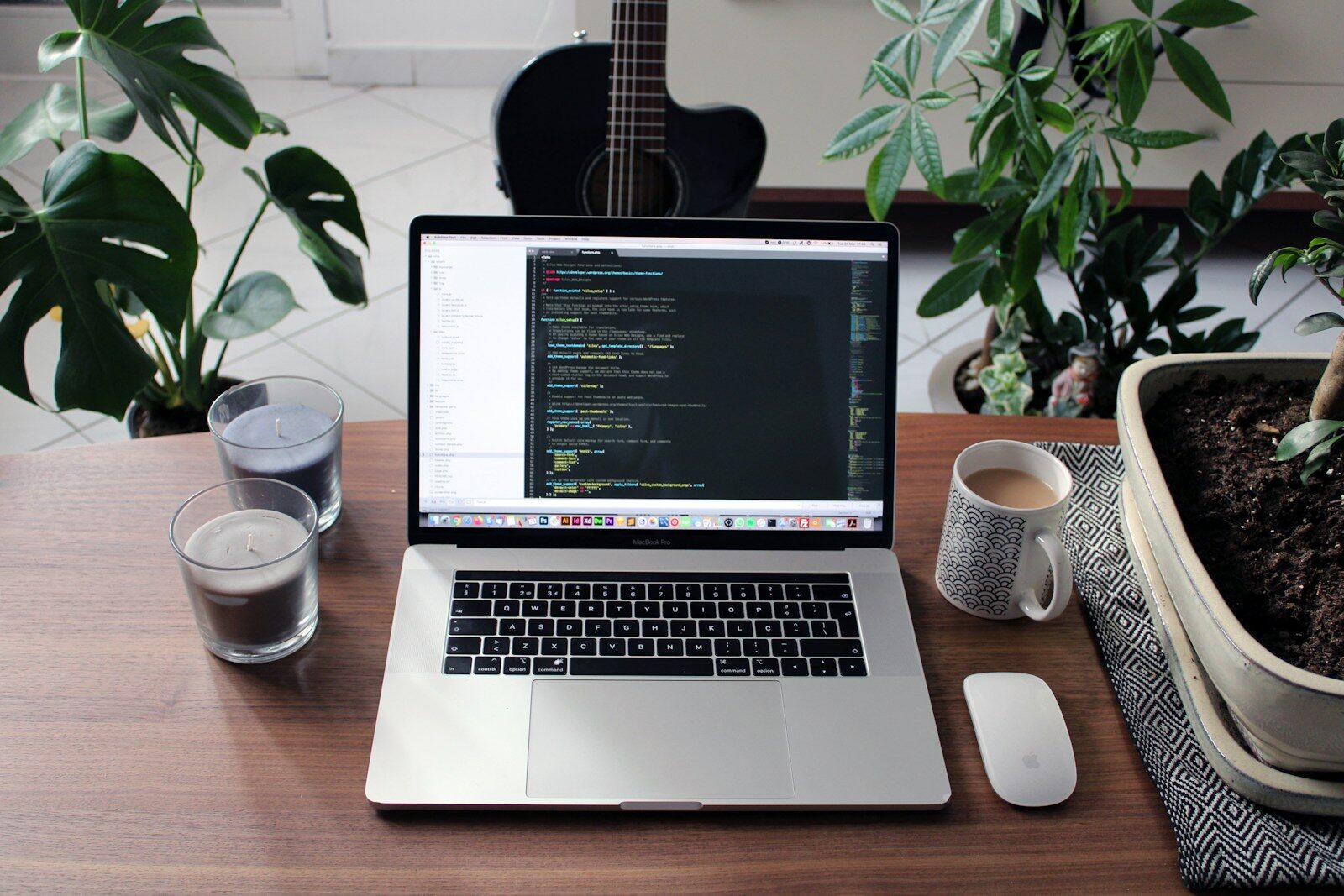
Photo by Nathan da Silva on Unsplash
Keep Your WordPress Site Secure, Fast, and Growing
WordPress maintenance is absolutely essential for sustained business growth. The long-term ROI of ongoing maintenance far outweighs the minimal monthly investment.
At WP Wizards, we are more than just developers. We are your trusted, veteran-owned digital partner. We tailor our affordable, data-driven solutions specifically for small businesses that want to dominate their local markets.
Ready to hand over the technical stress and focus on growing your business?
Schedule Your Free Consultation Today.
Let’s Build Your Digital Success Story.
Ready for a Website That Works as Hard as You Do? Contact WP Wizards Today.