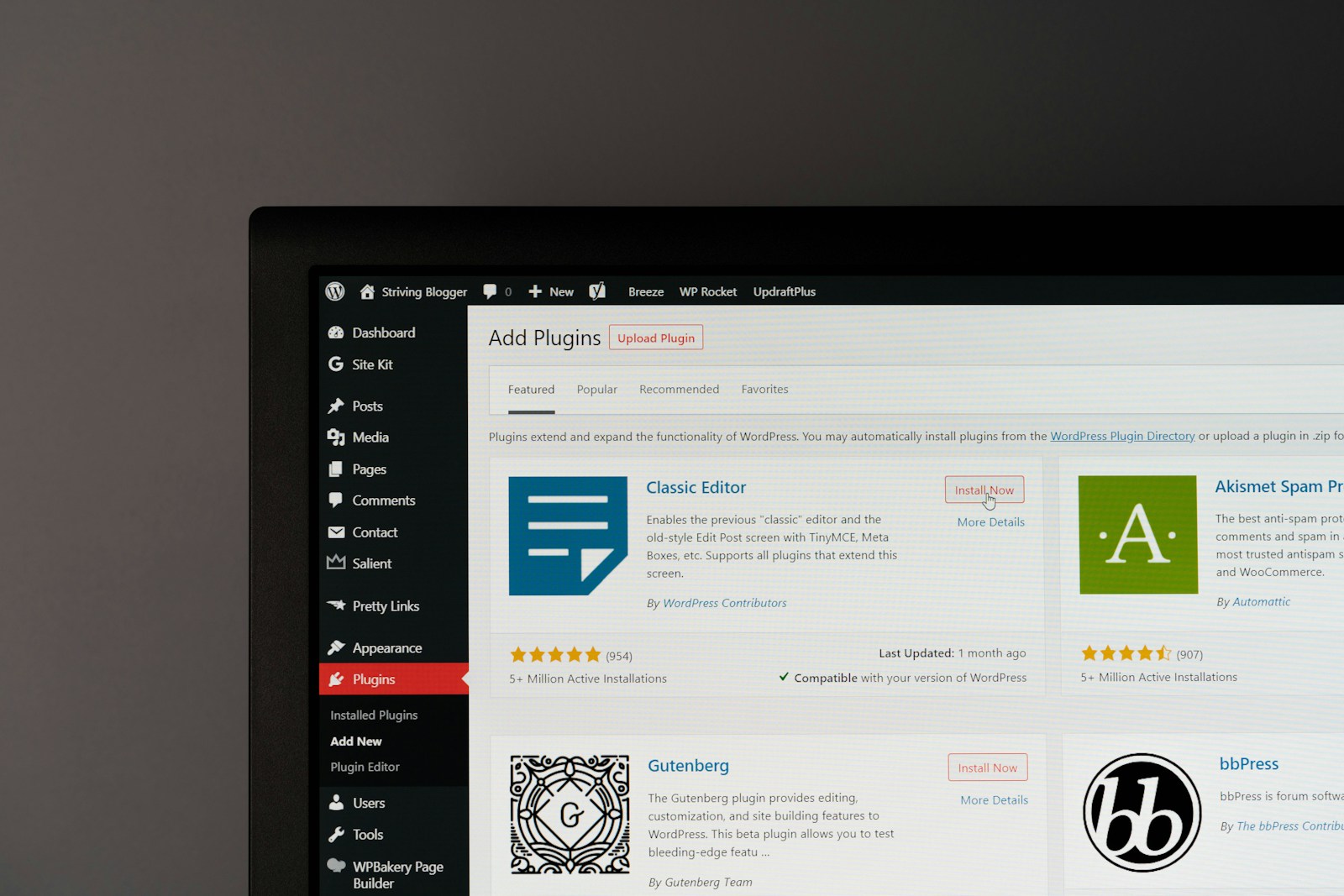
Here is a truth we explain to almost every new client who walks through our doors: SEO plugins are support tools, not shortcuts.
We see it all the time. A small business owner comes to us frustrated because they installed the best SEO plugins for WordPress, chased every green light on the dashboard, and still aren’t seeing traffic. They assume that because they downloaded a tool, the results should follow automatically. Selecting the top WordPress SEO plugins is crucial for long-term growth, as the right choice can significantly impact your site’s search engine performance and overall success.
But building a successful online presence doesn’t work that way. A hammer is a fantastic tool, but owning one doesn’t make you an architect.
There are many popular SEO plugins available, such as Yoast SEO, AIO SEO Pack, and Rank Math. However, using multiple or other SEO plugins together can cause conflicts and compatibility issues, so it’s important to choose a single, effective solution to avoid potential SEO risks and ensure the best results.
In this article, we’re going to look at the tools that actually matter for 2026. But more importantly, we’re going to talk about structure, clarity, and sustainability. We aren’t looking for magic buttons; we are looking for the infrastructure that helps your business grow.
Ready to Transform Your Website?
Let our team at WP Wizards bring your vision to life — from design and development to SEO and automation. Tell us about your project below!
Request a Quote
"*" indicates required fields
What an SEO Plugin Actually Does (And What It Doesn’t)
Before we dive into specific names, let’s clarify the role of an SEO plugin in the ecosystem of search engines.
Think of a plugin as a translator. Search engines like Google speak a very specific, technical language. Your content is written for humans. An SEO plugin acts as an SEO tool that bridges the gap between your human content and search engine requirements, making it easier for your site to be understood and indexed.
Many SEO plugins also automate complex SEO tasks, guiding users through technical and content optimization steps that might otherwise require advanced expertise.
Some plugins even include an SEO audit feature, helping you identify optimization opportunities and site issues for better search performance.
What plugins help with:
- Organization: They help structure your data so Google knows what your page is about.
- Technical hygiene: They handle things like redirects and sitemaps that keep your site healthy.
- Visibility signals: They ensure your titles and descriptions look good in search results.
- Internal linking suggestions: Some plugins offer internal linking suggestions to improve your site’s structure and navigation by recommending relevant internal links.
- SEO templates: Certain plugins provide SEO templates to help you create optimized content more efficiently and maintain a structured approach to SEO.
What they do not do:
- Create a strategy: A plugin can’t tell you what to write or who you are writing for.
- Replace content planning: No tool can replace the value of a well-researched article.
- Fix a weak foundation: If your site is slow or broken, a plugin is just a band-aid.
Photo by Justin Morgan on Unsplash
The Best SEO Plugins for WordPress Start With the Same Core Features
When you are looking for the best WordPress SEO plugin, you will find dozens of options. Many users specifically seek a comprehensive ‘SEO pack’ or ‘one SEO pack’ to cover all essential features in one solution. However, the most effective ones all share essential SEO features that form the baseline of good optimization.
You don’t need a tool that does everything; you need a tool that does the important things correctly.
- Title tags and meta descriptions: You must be able to customize how your link looks in search results.
- XML sitemaps: This is a map of your site that helps Google find your pages.
- On-page SEO analysis: Basic checks to ensure you used your keyword in the right places.
- Schema and rich snippets: Code that helps you get those fancy star ratings or recipe cards in Google.
Some plugins offer a ‘free version’ with basic features, making them accessible for beginners. Additionally, there are ‘free SEO tools’ and ‘free keyword research tools’ available to help you optimize your content and analyze competition at no cost.
Consistency matters more than quantity here. We prefer tools that do these core tasks reliably without bloating your WordPress dashboard.
Reviewing SEO plugins is crucial to ensure you choose the right solution for your needs. In this article, we review WordPress SEO plugins to help you make an informed decision.
Yoast SEO: Solid Structure for Content-Focused Sites
The Yoast SEO plugin is often the default choice for a reason. For many of our clients, especially those focused heavily on blogging and content marketing, it provides excellent editorial discipline.
Its strength lies in its on-page SEO analysis. It forces you to think about readability. It checks your sentence length, your use of passive voice, and your paragraph structure. For a small business owner writing their own content, this feedback is invaluable.
However, we always remind clients: don’t obsess over the “green light.” Yoast is a guide, not a judge. Sometimes, a “red light” sentence is exactly what your human audience needs to hear. We configure Yoast to support your writing, not to dictate it.
Rank Math: Flexibility for Advanced SEO Needs
In recent years, Rank Math has become a favorite for SEO professionals and technical users. It calls itself a comprehensive WordPress SEO plugin, and it lives up to the name. Rank Math is a powerful, all-in-one SEO plugin that simplifies WordPress site optimization.
Rank Math appeals to us because it combines features that used to require multiple plugins. It handles redirections, 404 monitoring, and advanced schema markup all in one place. The user-friendly setup wizard makes configuration easy and allows users to import data from an existing WordPress SEO plugin or other SEO plugins, streamlining the transition process. Rank Math also includes a built-in advanced SEO analytics module for tracking keyword rankings and search engine errors. It supports multiple schema types, making it easy to add rich snippets to your content. Additionally, Rank Math allows users to optimize posts for multiple keywords, enhancing traffic potential. This reduces “plugin bloat”—the slowdown that happens when you install too many tools.
However, with great power comes great complexity. Rank Math has a lot of settings. For a novice, it can be overwhelming. We often deploy this for clients where we manage the SEO settings monthly, ensuring that the advanced features help rather than hinder the site’s performance. Rank Math is also known for offering a comprehensive set of features for free, making it a popular choice among users.
All in One SEO: Balanced Tools for Growing Businesses
All in One SEO (AIOSEO) is one of the original players in the game and remains a popular WordPress SEO plugin.
We find AIOSEO fits perfectly for businesses that want structure without the overwhelm. It is incredibly user-friendly and focuses heavily on setup wizards that get your site ready quickly. It strips away some of the technical jargon that confuses non-technical teams.
If you are a business owner managing your own site and you want a balance between power and simplicity, All in One SEO is a strong contender. It allows you to manage your search engine visibility without needing a degree in computer science.
Local SEO Plugins Matter When Geography Drives Revenue
If you are a plumber, a lawyer, or a restaurant owner, your battleground is local SEO. You aren’t trying to rank globally; you need to show up when someone down the street searches for you.
Website owners with physical locations need tools that specifically support local visibility.
While general plugins handle the basics, specialized local SEO features help with:
- Location data: Ensuring your address and hours are formatted correctly for Google Maps.
- Local search results: Helping you appear in the “Map Pack” (the map listing at the top of Google).
- KML Sitemaps: Special file types for location data.
Remember, a plugin supports your listings—it doesn’t replace them. You still need to claim your Google Business Profile and gather reviews. The plugin just ensures your website sends the right signals to connect the dots.
Why Analytics Integration Is Non-Negotiable
We operate on data, not guesses. That is why Google Analytics integration and Google Search Console integration are non-negotiable for every site we build, as they are essential for tracking SEO performance and gaining actionable insights.
There is a massive difference between having data and having insight. Google Analytics tells you who is visiting your site, while Google Search Console tells you how they found you and how your site appears in Google search results.
Connecting these to your WordPress dashboard allows you to see:
- Which keywords are driving traffic?
- Where your site ranks in search.
- If there are any technical errors preventing indexing.
Integrating Google Search Console provides direct access to Google Search Console data, including insights into Google search results, keyword rankings, and other SEO data right within your WordPress dashboard. A Google Analytics plugin like MonsterInsights can connect Google Analytics to your WordPress site for real-time traffic tracking.
We use this data to make decisions. If a page is getting traffic but no sales, we change the content. If a page isn’t getting traffic, we look at the SEO. SEO plugins can provide analytics and reporting features to help users track their SEO performance over time. Without these tools, you are flying blind.
Website Speed Is SEO, Not a Bonus
In 2026, website speed is a ranking factor. If your site is slow, users leave, and Google notices. Speed is part of your SEO hygiene, not just a technical bonus. Using the best WordPress caching plugin is essential for SEO, and WP Rocket is widely recognized as the top choice.
This is where a WordPress caching plugin comes in. A caching plugin like WP Rocket is crucial for improving page speed and optimizing Core Web Vitals through caching and lazy loading. It makes your site load faster by saving static versions of your pages.
We often recommend WP Rocket. It is a premium tool, but the performance boost it offers is often worth the investment. WP Rocket is the best WordPress caching plugin in the market, handling complex tasks like code minification and lazy loading images with a simple interface.
While not strictly an “SEO plugin” in the traditional sense, it directly impacts your rankings. A fast site is a rankable site.
WooCommerce SEO Requires Extra Consideration
If you are selling products online, standard blog SEO won’t cut it. WooCommerce SEO and broad e-commerce SEO require a different approach. Ecommerce SEO involves tracking product popularity, sales data, and customer behavior to refine marketing strategies and boost sales.
Product pages behave differently than blog posts. You are dealing with:
- Product Schema: Telling Google the price, availability, and rating of a product so it shows up in shopping results.
- Categories: organizing thousands of products so they don’t cannibalize each other’s rankings.
- Internal linking: strategically linking related products to boost sales.
Automated tools can help, but e-commerce usually requires manual configuration. We spend a lot of time ensuring product descriptions are unique and not just manufacturer copy, which Google hates.
The Real Risk of Installing Too Many SEO Plugins
There is a common trap we see: “If one plugin is good, five must be better.”
This is dangerous. Installing multiple plugins that do the same thing creates conflicts. If you have two plugins trying to set your meta tags, Google won’t know which one to listen to. It can crash your site, break your layout, or tank your rankings. Migrating from other SEO plugins can also introduce compatibility issues and SEO risks, making it even more important to use only one SEO plugin on your website. Using a single SEO plugin is recommended to avoid conflicts and ensure optimal performance of your website.
We practice strict discipline here. We choose the best WordPress plugin for the job and stick to it. We don’t stack tools. We curate them.
Security and Updates: Keeping Your SEO Tools Safe and Effective
When you’re choosing a WordPress SEO plugin, it’s easy to focus on features and forget about something just as critical: security and updates. The reality is, even the best SEO plugin can become a liability if it’s not regularly maintained.
Search engines like Google are constantly evolving, and so are the threats that target WordPress sites. That’s why comprehensive WordPress SEO plugins such as Yoast SEO and All in One SEO (AIOSEO) prioritize frequent updates. These updates do more than just add new features—they patch security vulnerabilities, ensure compatibility with the latest WordPress releases, and keep your SEO tools running smoothly.
An outdated plugin can open the door to hackers, break your site’s functionality, or cause your search rankings to drop if it stops working with new SEO standards. That’s why we always recommend choosing a WordPress SEO plugin with a proven track record of timely updates and active support. It’s not just about staying ahead in search engine rankings—it’s about protecting your investment and your reputation.
At WP Wizards, we monitor every plugin on our clients’ WordPress websites, making sure each one is up-to-date and secure. This proactive approach means your SEO efforts are never undermined by preventable issues. In the world of search engine optimization, a secure and updated plugin isn’t just a nice-to-have—it’s essential for long-term growth.
Photo by Stephen Phillips – Hostreviews.co.uk on Unsplash
How We Choose SEO Plugins for Client Websites
At WP Wizards, our approach is guided by our Marine Corps values: precision and reliability. We don’t guess.
When we select a plugin stack for a client, we ask three questions:
- Does it serve a specific business goal? We don’t install cool gadgets; we install tools that drive revenue.
- Is it sustainable? Will this plugin be updated and supported in 2027?
- Is it lean? Does it do the job without slowing down the site?
For advanced users, we also consider lightweight solutions like SEO Framework for technical optimization and performance, or features such as an SEO topical entity graph to better understand keyword relationships and develop more targeted SEO strategies.
We prefer fewer tools, configured perfectly, over a dashboard full of red notifications. We build strategy before we touch the setup.
SEO Plugins Support Growth, They Don’t Create It
Search engine visibility is a marathon, not a sprint. The tools we discussed today—Yoast, Rank Math, WP Rocket—are the running shoes. They support you, protect you, and help you perform. For a WordPress site or WordPress website, the right SEO plugins can integrate and map plugin data, enhancing optimization and supporting your site’s growth. But they don’t run the race for you.
You need to write the content. You need to serve your customers. You need a plan. Ongoing keyword research, using plugins to generate keyword ideas and discover new keyword ideas, is essential for sustained SEO success.
WordPress is a powerful platform built for structured long-term growth. With the right setup and a disciplined partner, your website can become your hardest-working employee.
Ready for a Website That Works as Hard as You Do?
Don’t let technical confusion hold your business back. Let’s build a digital foundation that drives real results.